U-Dictionary
U-Dictionary is a free Android dictionary and translation app from Youdao for looking up words, translating text and learning English vocabulary.
66.5 MB

5.26.361.01.90 · Google LLC · Page updated
Google Keep is Google's free note-taking app for Android, iOS, Wear OS and the web, used for quick notes and lists that sync with your Google account.
Average 0.0 · ratings: 0
Thank you! Your rating is saved; you can change it. Could not save the rating. Please try again later. Too many ratings from your network today. Please try again tomorrow. The average appears after 5 ratings.
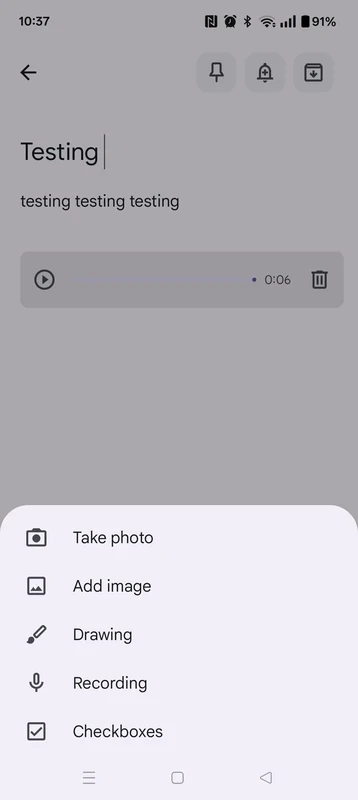
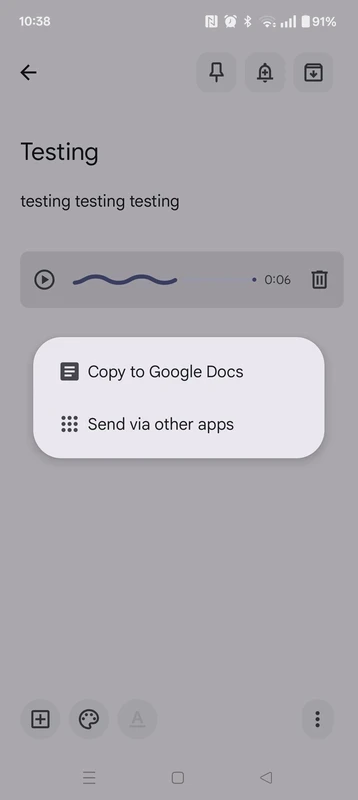
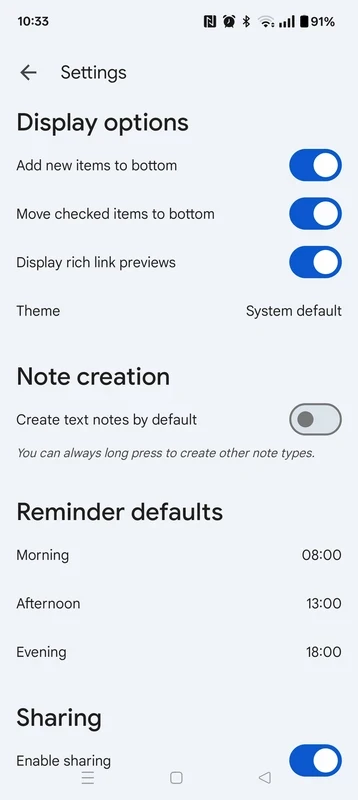
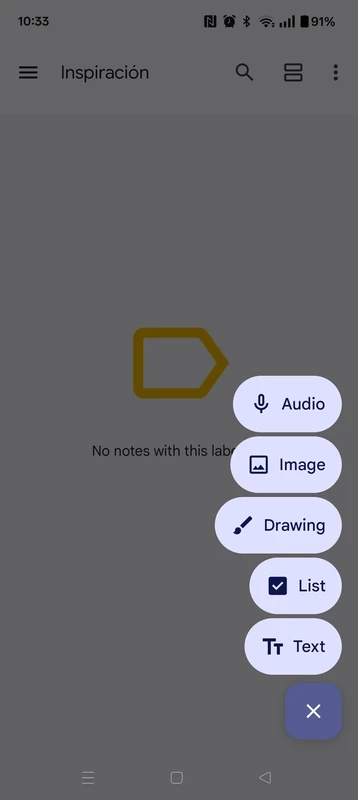
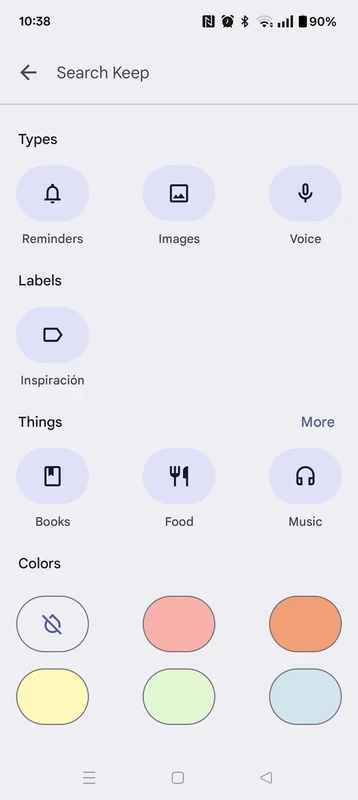
Google Keep 5.26.361.01.90 is Google's note-taking app for Android. It is made for quick notes and lists that sync through your Google account, so they appear on the phone, on the web and on other devices, and you can download Google Keep for free from Google Play.
| Item | Details |
|---|---|
| Version | 5.26.361.01.90 |
| Developer | |
| Platforms | Android, iOS, Wear OS, ChromeOS, web |
| Launched | March 20, 2013 |
| Type | note-taking software, cloud service |
| Price | Free |
| Size | about 29.94 MB according to catalogue data |
Google Keep has been around since March 2013 and deliberately stays simple. It is not meant for long documents or complex projects; it is a place for the things you would otherwise write on a sticky note: a shopping list, a phone number, an idea for a gift, a parking spot or a few lines from a meeting. Notes are stored in the cloud as part of your Google account, so a list written on the phone can be opened on a laptop in the browser at keep.google.com, and the app also runs on Wear OS watches. That makes Keep a good companion to heavier tools: capture something quickly in Keep and move it to a proper document later if it grows. People who want a structured notebook with pages and databases will find it too basic, but for everyday capture its simplicity is the point.
Notes are stored in your Google account, so their safety depends on that account. Turn on two-step verification, do not keep passwords or card numbers in plain notes and be careful when sharing a note with others. For developers, Google documents its Keep API in the API release notes.
Our listings include CamScanner for scanning paper notes and documents, and ChatGPT and Google Gemini, AI assistants that can help turn rough notes into finished text.
U-Dictionary is a free Android dictionary and translation app from Youdao for looking up words, translating text and learning English vocabulary.

Android Auto is Google's app that brings navigation, calls, messages and music from your Android phone to a compatible car screen.

Perplexity for Android is a free AI search app that answers questions in plain language and links to the sources behind each answer.

Google Gemini is Google's generative AI chatbot. The Android app lets you ask questions, write and summarise text and get help by voice.

CamScanner is a mobile scanner app from INTSIG that turns photos of documents, receipts and notes into clean scans and PDF files.

Duolingo is a free Android app for learning languages through short, game-like lessons, from the American company Duolingo.

PayPal is a digital wallet app from PayPal, Inc. for sending money and paying online. This page covers version 10.14.0 for Android.

ChatGPT for Android is OpenAI's official app for its AI chatbot, letting you type or talk to it on your phone.